
How to Change Set Types
Edited
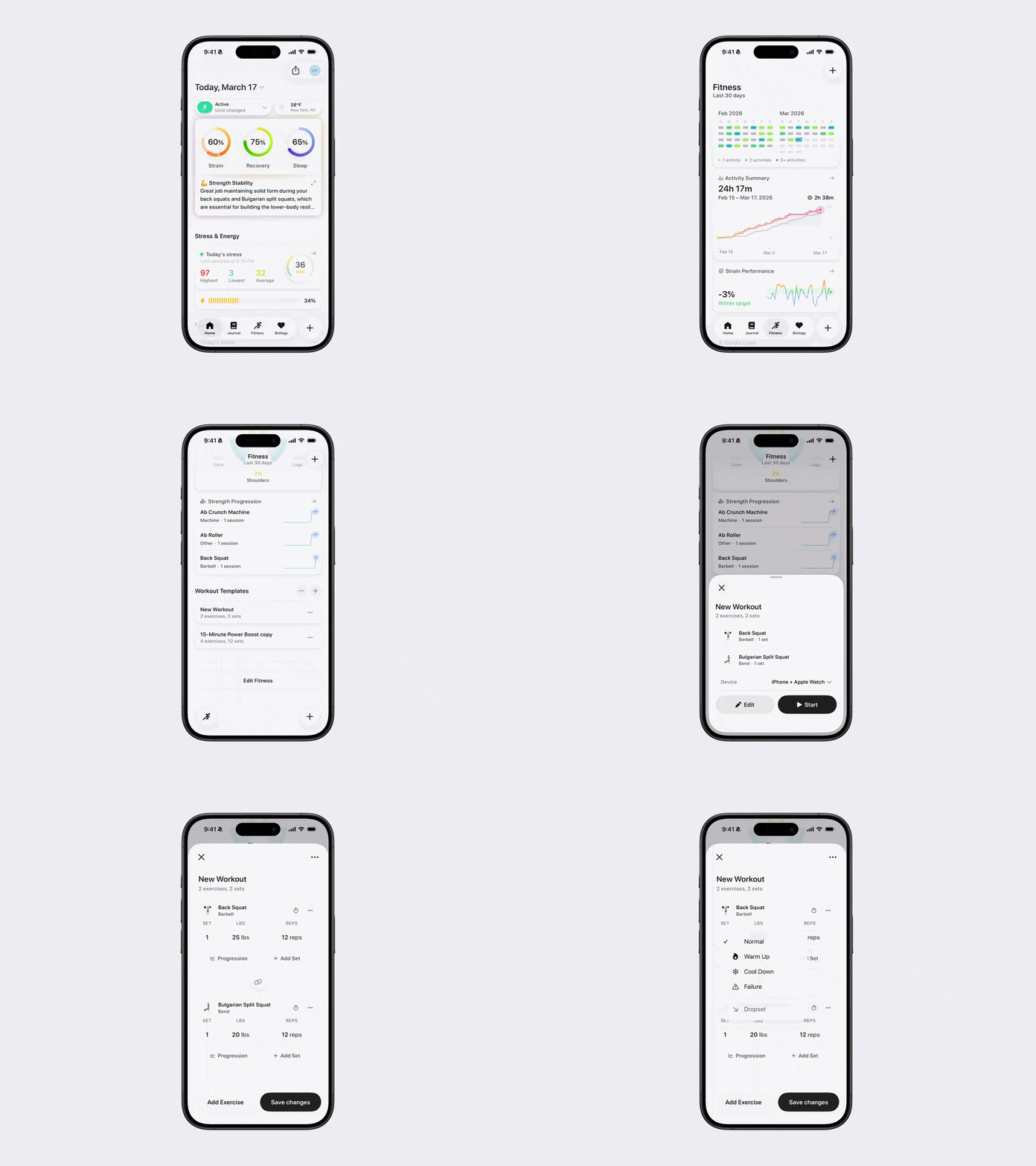
Bevel lets you mark a set as a Warm Up, Cool Down, Failure, or Drop Set. You can set this in a Template or during a Live Workout.
To Change Set Types:
Tap the number next to the set you want to label.
Choose Warm Up, Cool Down, Failure, or Drop Set.
Labeling sets helps you track the purpose of each set, analyze your performance accurately, and adjust your training over time.
Note: This feature is currently available on iPhone only and is not supported on Apple Watch.
Was this article helpful?
Sorry about that! Care to tell us more?