
How to Auto-Populate Weights in Templates
Bevel can automatically carry over your weights and reps from your last workout into your workout Template.
How to Update Template with Weights:
Complete your workout as usual.
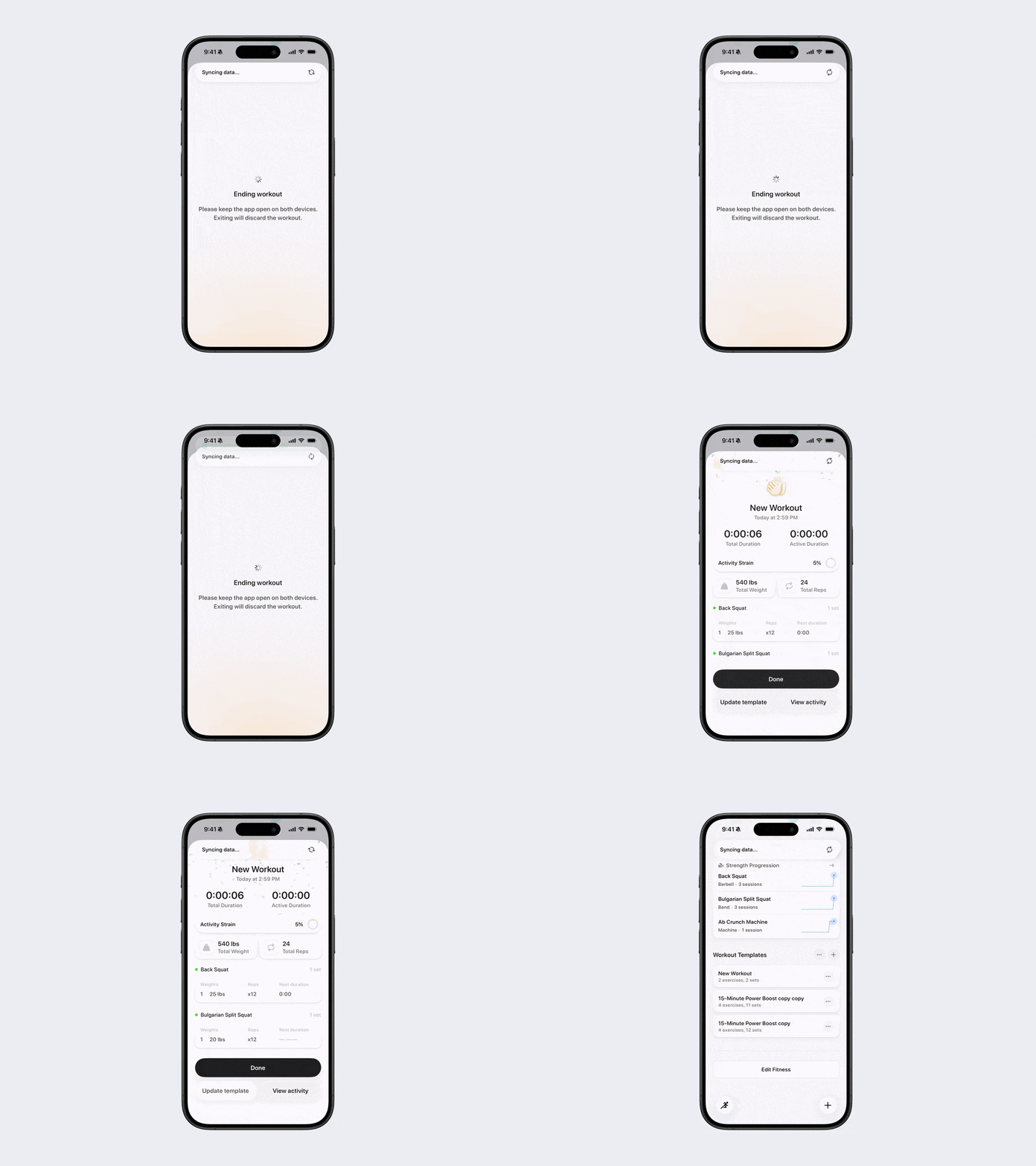
At the end of the workout, look for the “Update Template” button on the device you finished the workout on (phone or watch).
Tap “Update Template” to save the weights and reps you just performed into that specific Template. This ensures the next time you use the Template, your recent values are pre-filled.
Note: these updates do not carry over to other Templates.
Tip: On Apple Watch, this button is easy to miss. You’ll need to scroll past the workout summary to see it. Once updated, the next time you use that Template, your previous weights and reps will already be filled in.
Note: You can enable Auto-Update Template in Settings to automatically update your workout templates with your latest weights after each workout.