
How to View Insights
In Bevel, Insights for Recovery and Sleep provide an analysis of how your daily behaviors and habits affect your rest and Recovery. They help you understand patterns, identify areas for improvement, and make informed adjustments to your routine.
How to Access Insights
Open Bevel.
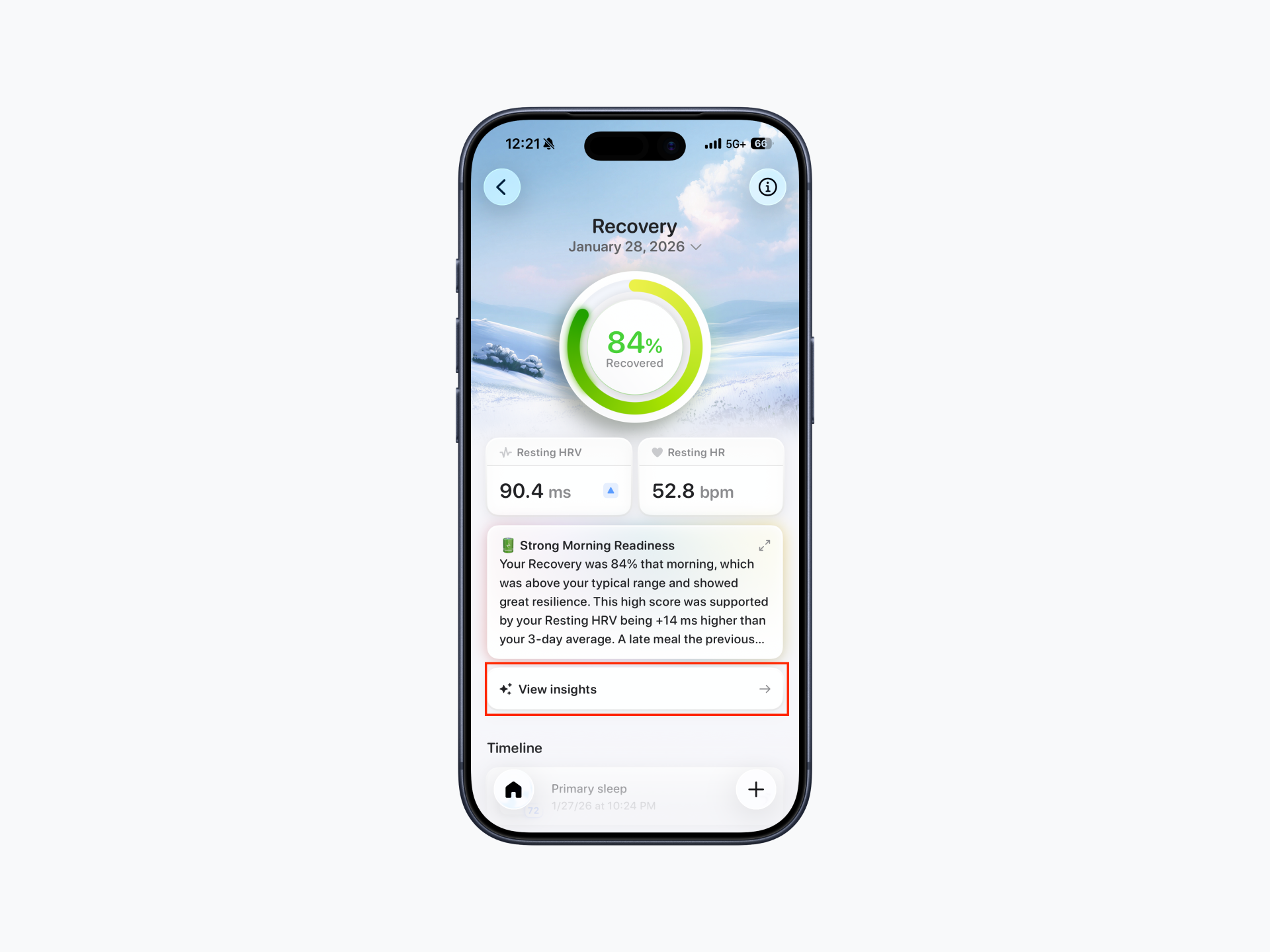
From the Home Tab, tap Recovery or Sleep.
Tap View Insights.
Bevel will display a personalized summary showing how your daily activities, such as exercise, Stress, Nutrition, and bedtime routines, impact your Recovery and Sleep quality.
How Insights Work
Bevel Insights use statistical analysis to calculate correlations between your behaviors and your Recovery or Sleep metrics.
Important:
A positive or negative correlation does not necessarily imply causation. Other factors may also influence your outcomes.
To get the most reliable results, try time-boxing changes and keeping all other variables constant while modifying one behavior at a time.
This method allows you to better understand how a specific habit or routine actually affects your Recovery or Sleep.