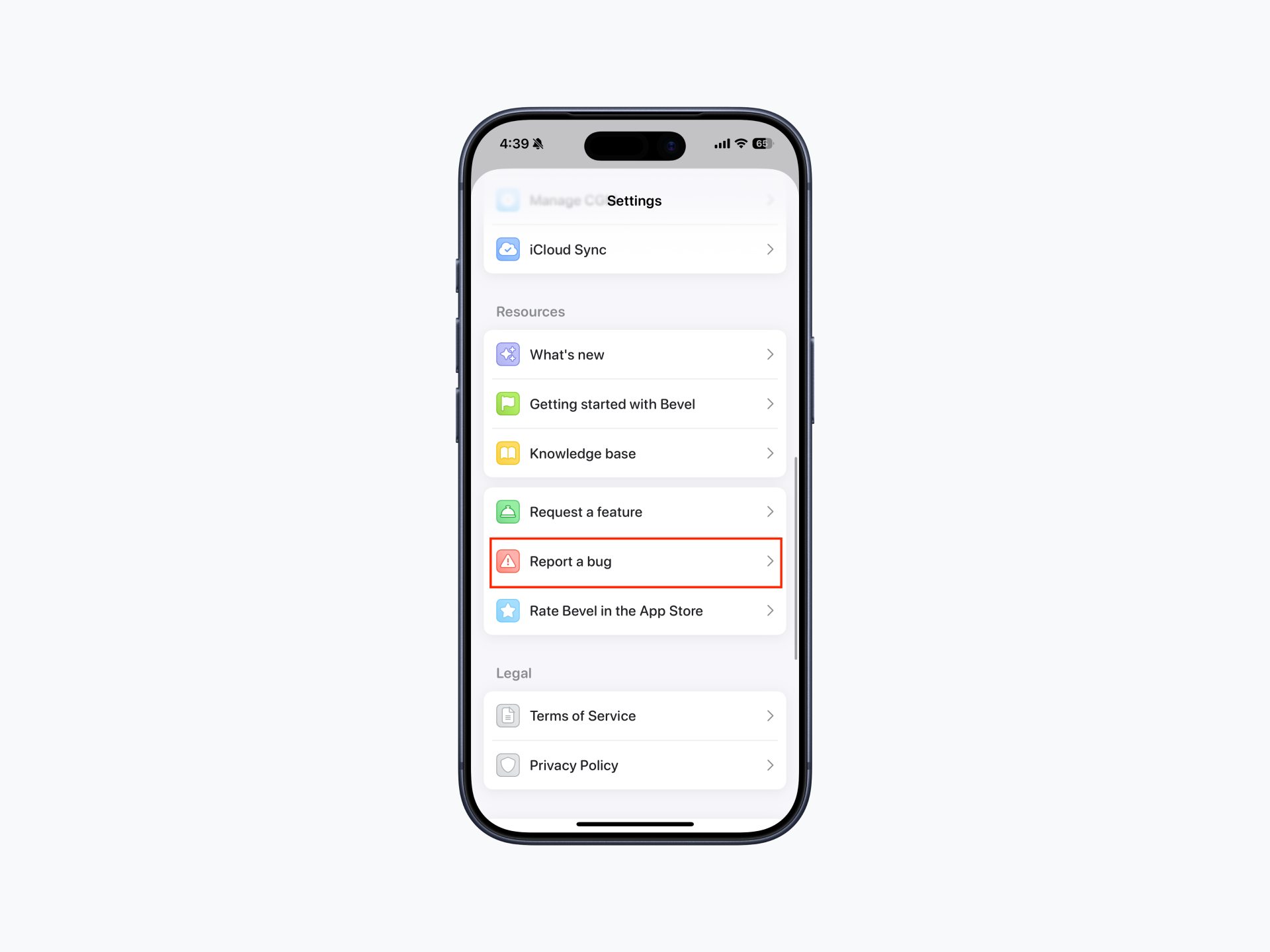
Report a Bug
We appreciate your help in making Bevel even better!
To report a bug, go to Profile > Report a bug.
After tapping Report a bug, you'll be asked to choose your preferred email client (such as Apple Mail, Gmail, or another email app). Bevel will automatically create an email that includes diagnostic information to help us investigate the issue, including:
Your Bevel app version.
Your device model.
Your iPhone and Apple Watch software versions (when available).
Other relevant system information.
Describe the issue you're experiencing and include as much detail as possible, such as:
What happened.
The steps to reproduce the issue, if known.
Screenshots or screen recordings (optional, but recommended).
Before Reporting
Before submitting a bug report, make sure you're using the latest version of Bevel.
To update:
Open the App Store.
Tap your profile in the top-right corner.
If you are on iOS 26.4 or later, tap App Updates. If you are on an earlier version, skip this step and continue.
Pull to refresh your screen.
Download the latest version of Bevel.
After You Submit a Bug Report
Once you send the email, your report will be delivered to the Bevel team for review.
At this time, bug reports do not include a user-visible ticket or reference number, and there isn't a way to check the status of a report within the app. If we need any additional information or have an update regarding your report, you'll hear from us at the email address you used to submit it.
Bevel Intelligence and Nutrition Issues
Bevel Intelligence cannot submit bug reports or check the status of existing reports.
If you encounter an issue with a Bevel Intelligence response, tap the thumbs down icon below the message to send feedback. This helps us identify and improve Intelligence responses.
If you find an issue with a food entry or nutrition information, use the Report Food option on the food's details page so our team can review and correct it.
For all other bugs or technical issues, please use Profile > Report a bug or email hello@bevel.health directly.