
How to Pin, Rename, and Delete Chats
Edited
You can pin conversations with Bevel Intelligence to easily return to them later, rename chats for better organization, or delete them when no longer needed.
Pin, Rename, or Delete Chats
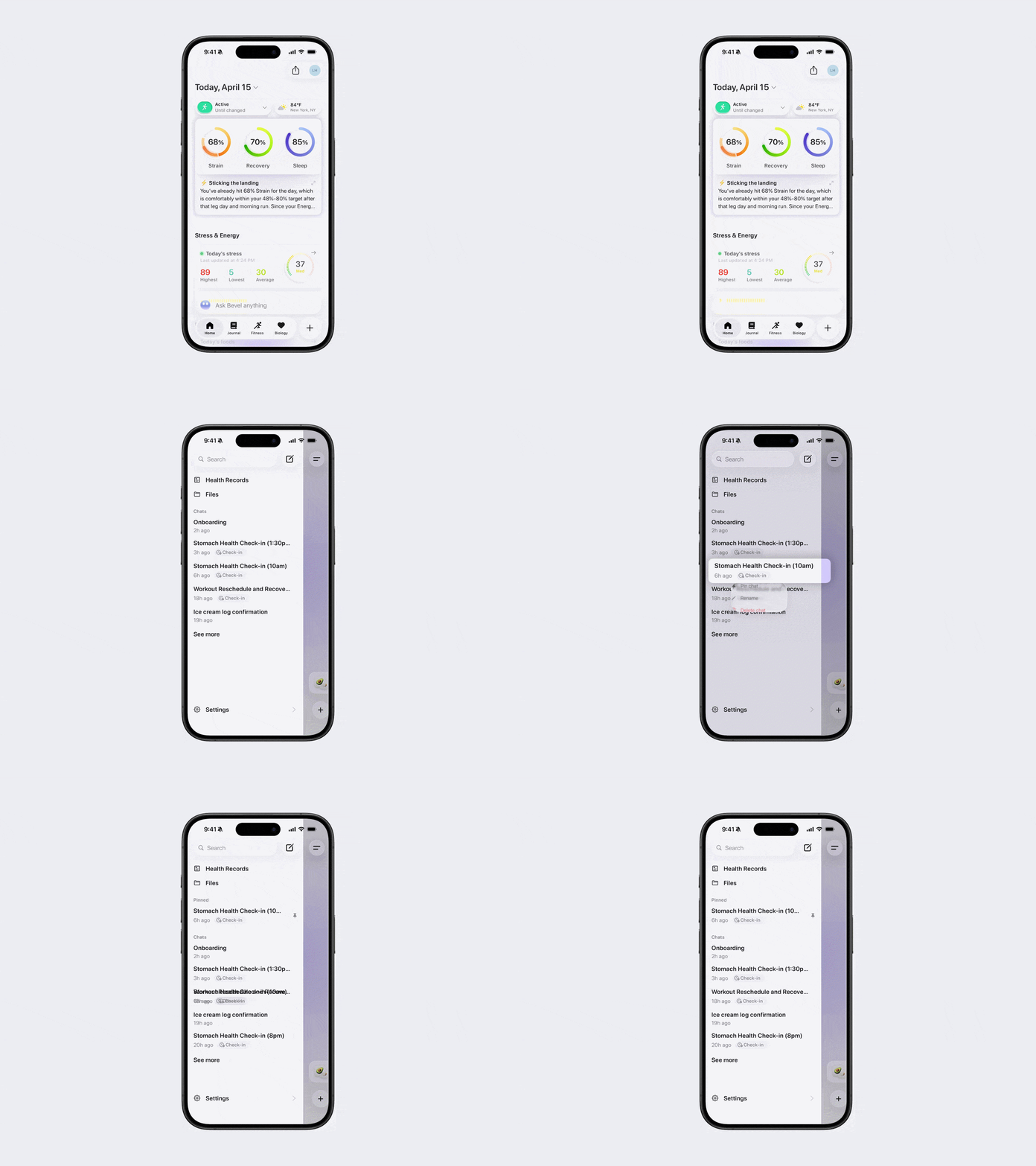
Open Bevel Intelligence.
Tap the menu icon in the top-left corner.
Press and hold the chat you want to manage.
Select Pin Chat, Rename, or Delete Chat.
Was this article helpful?
Sorry about that! Care to tell us more?