
How to Duplicate a Workout Template
Edited
Duplicating a Template allows you to create a copy of an existing workout so you can modify it without changing the original.
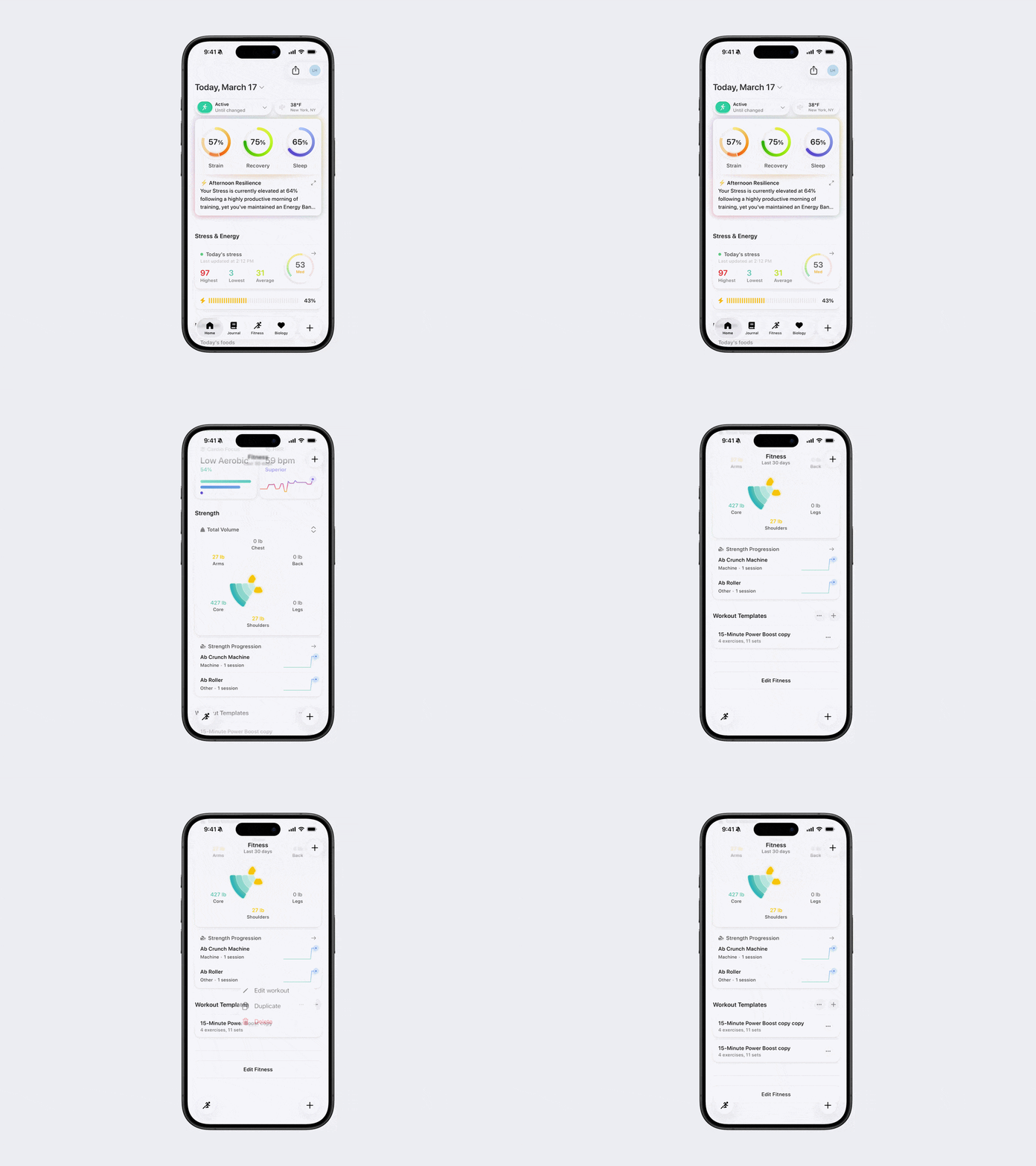
Steps to Duplicate a Template
Open Bevel.
Go to the Fitness tab.
Scroll down to Workout Templates.
Tap the three dots (...) next to the Template you want to duplicate.
Select Duplicate.
Tip: Once duplicated, you can edit the new Template to adjust exercises, sets, reps, or timers without affecting the original.
Was this article helpful?
Sorry about that! Care to tell us more?